Department of Culture and Dzongkha Development


Dzongkha for Windows 7/8
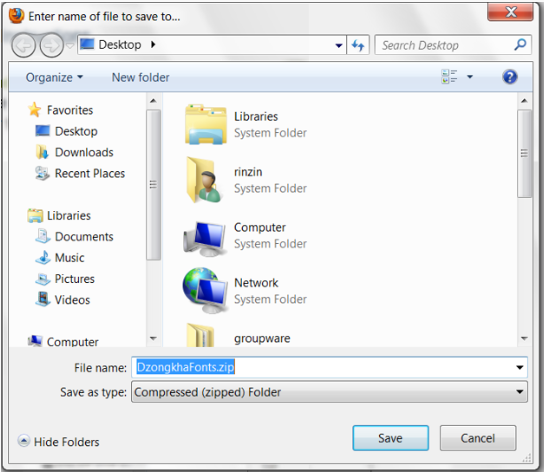
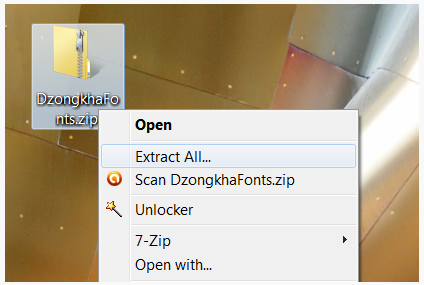
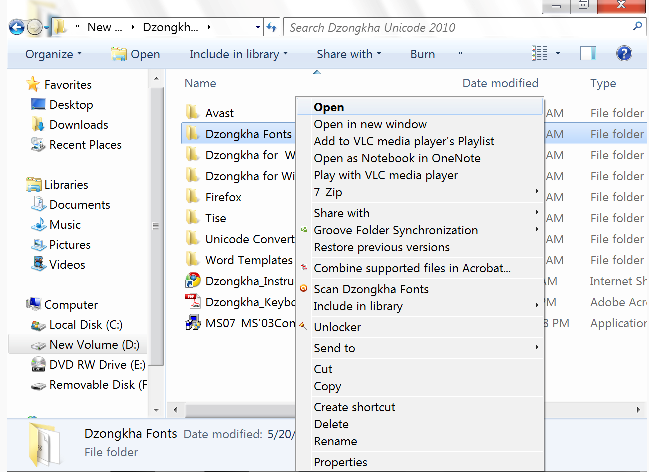
- Download the Dzongkha Fonts installer
(DzongkhaFonts.msi] and save it on your desktop.
 - Double click
"DzongkhaFonts.msi"and follow the instructions to automatically install the Dzongkha fonts on your system.
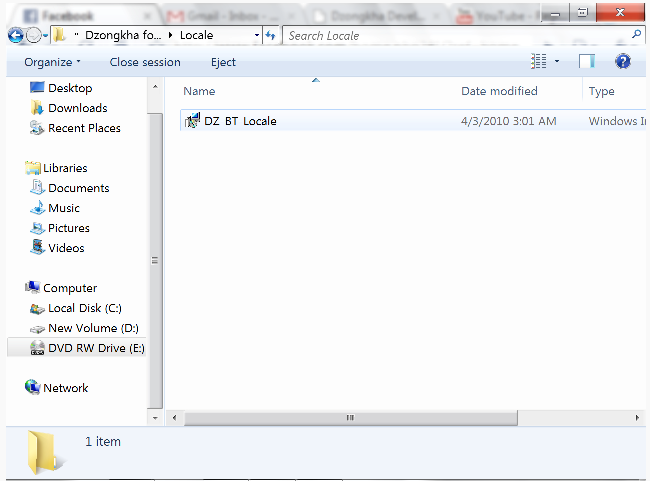
- Download the Dzongkha locale installer
[DZ-BT-Locale.msi] and save it on your desktop. - Double click on the file
"DZ-BT-Locale"to run the program. It will automatically install a Dzongkha locale on your system.
- Download the file
DzongkhaKeyboard-Win.zip and save it to your desktop.
 - Once the package has been downloaded, right click on the file and choose “
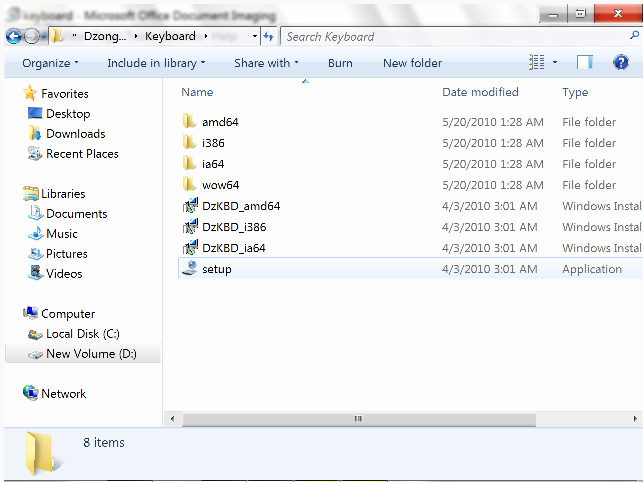
Extract All…"or use a decompression utility such as 7-Zip to extract the files from"DzongkhaKeyboard-Win.zip".
- Next, navigate to the folder where you extracted the files.
- Double click on the
"setup.exe"file. This will automatically install Dzongkha keyboard on your system and, if you have previously installed the Dzongkha locale, it should show the language bar in the taskbar located at the bottom of your screen under OL. (Note: It is important to install the keyboard using this Setup utility. In Windows 7 do not try to manually install the Dzongkha keyboard.)
- A diagram of the Dzongkha Keyboard layout is available here:
- A Dzongkha keyboard which will automatically be assigned to the BO locale (BO) on your system is also available:
- This is useful for typing text in applications which do not properly recognize the custom Dzongkha locale.