The PDF version of the manual is downloadable from the end of this instruction page.
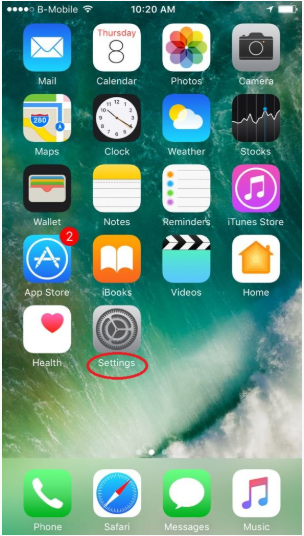
Go to Settings
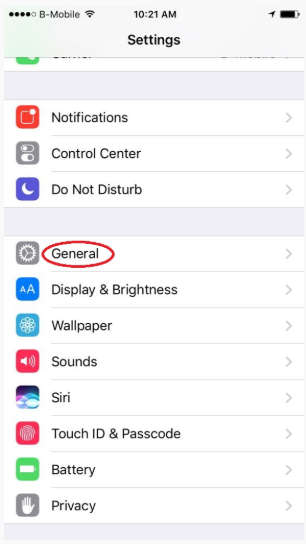
2. Generals,
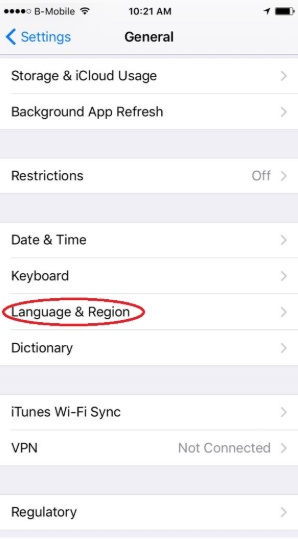
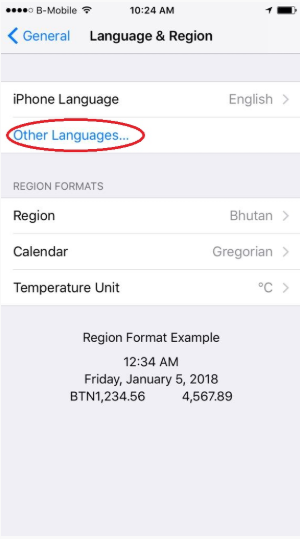
3. Language & Region
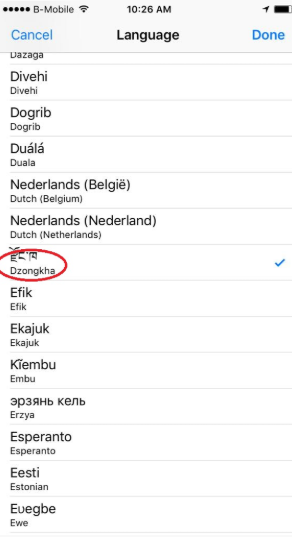
4. Click on Other Languages (In some case, you may also see “Add Language”) and scroll down and locate for Dzongkha, click on Dzongkha, click Done, Select English Prefer.
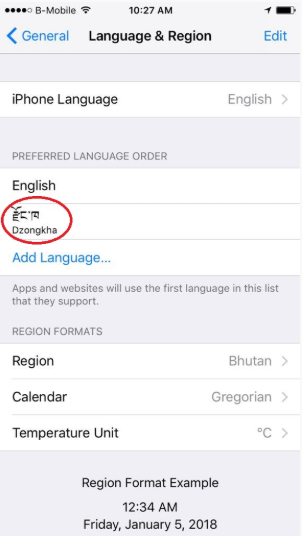
5. You can see Dzongkha added
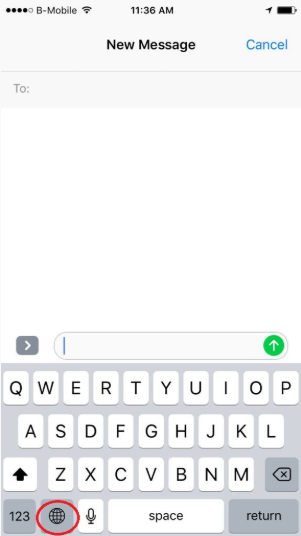
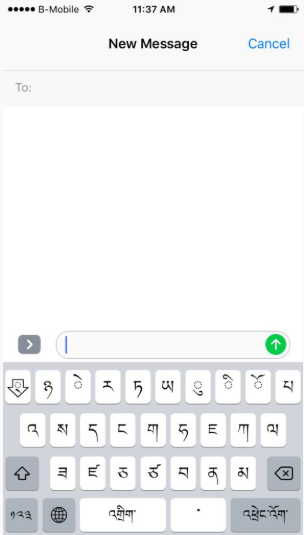
6. Close the window and check for Dzongkha by opening new message window
Click on Globe type icon to switch between languages